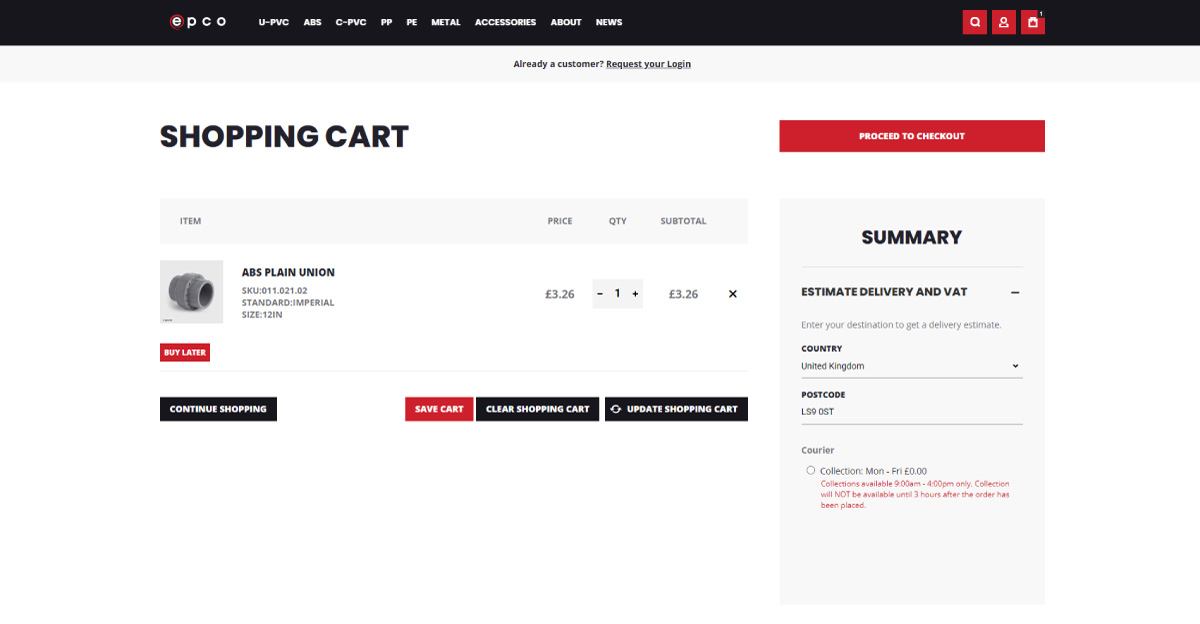
How to use the Fast Order feature
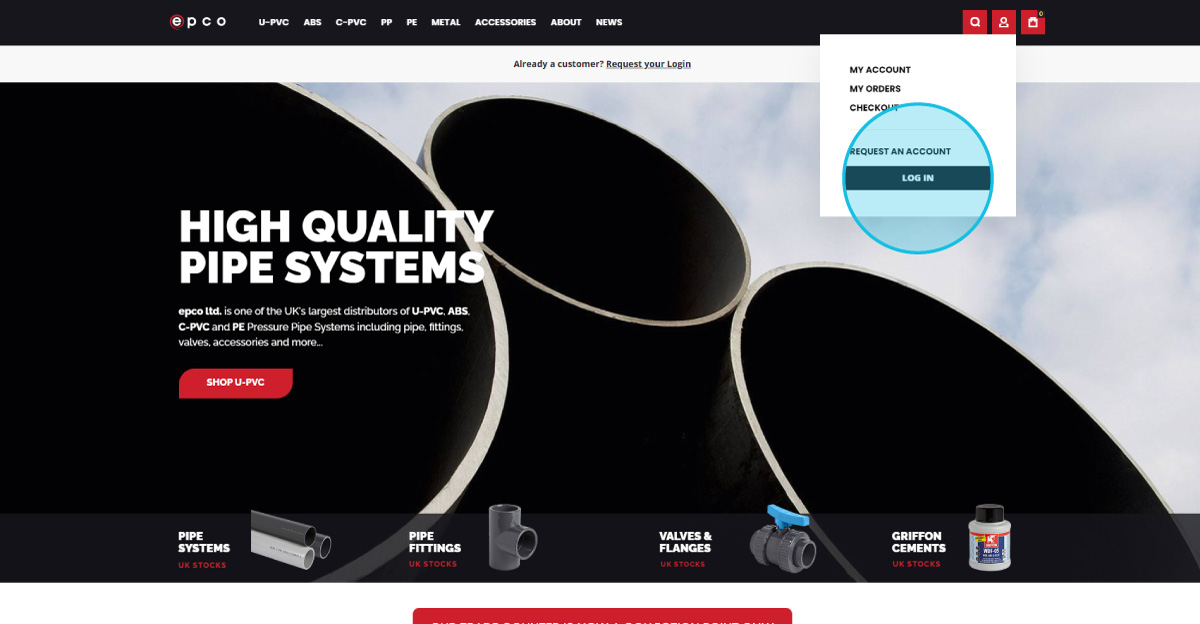
2
Sign in to Your Account
Enter your user credentials, and select Sign In.
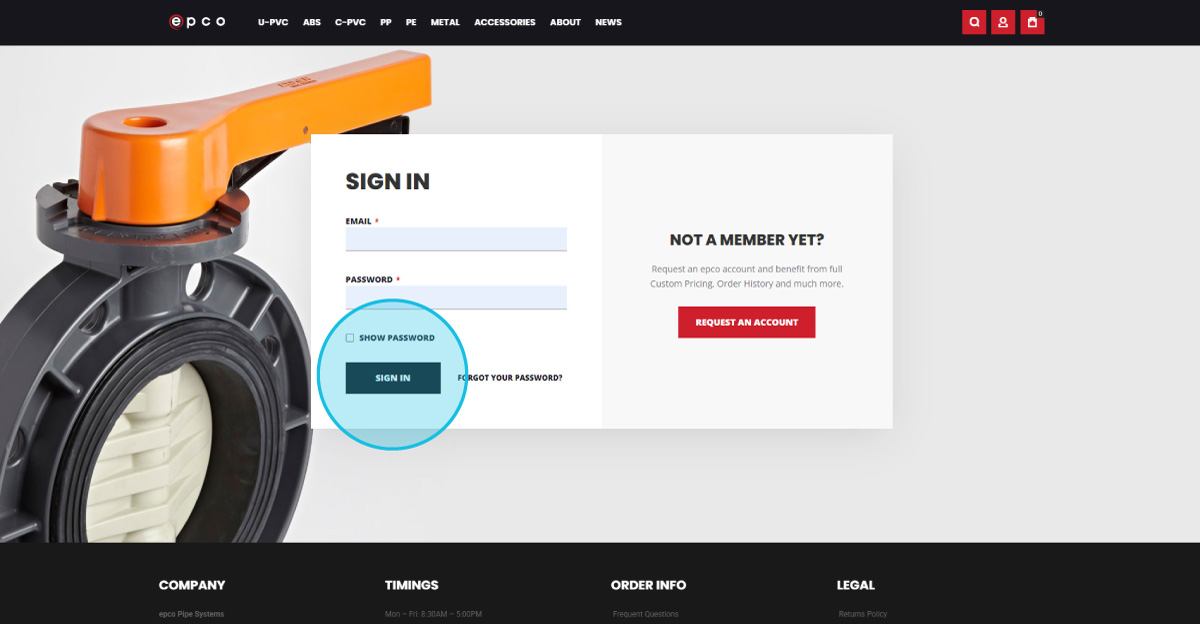
3
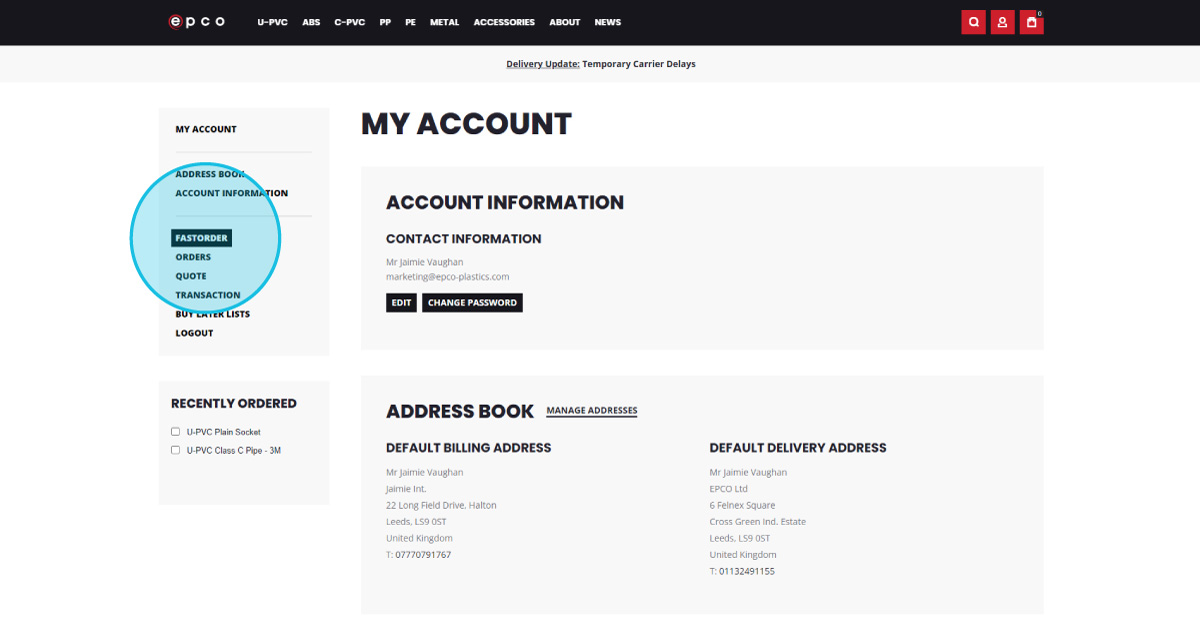
Access Fast Order
On your account page, click Fast Order in the left-hand navigation menu.
4
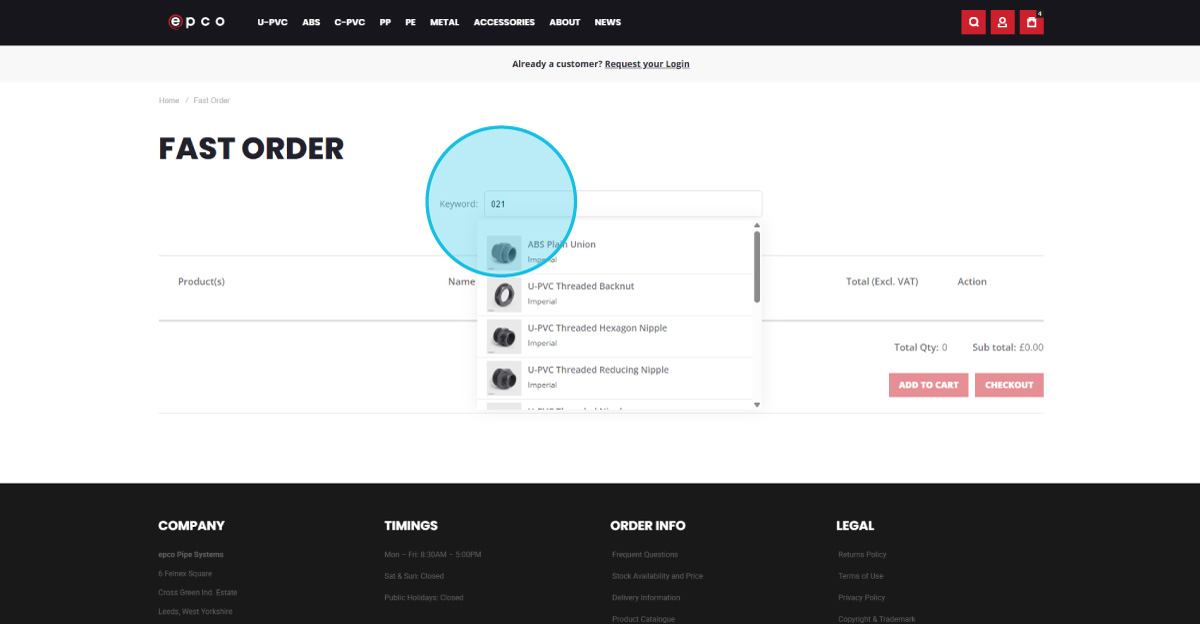
Search for a Product
Enter either the first 6 digits of a part code, or the product name.
5
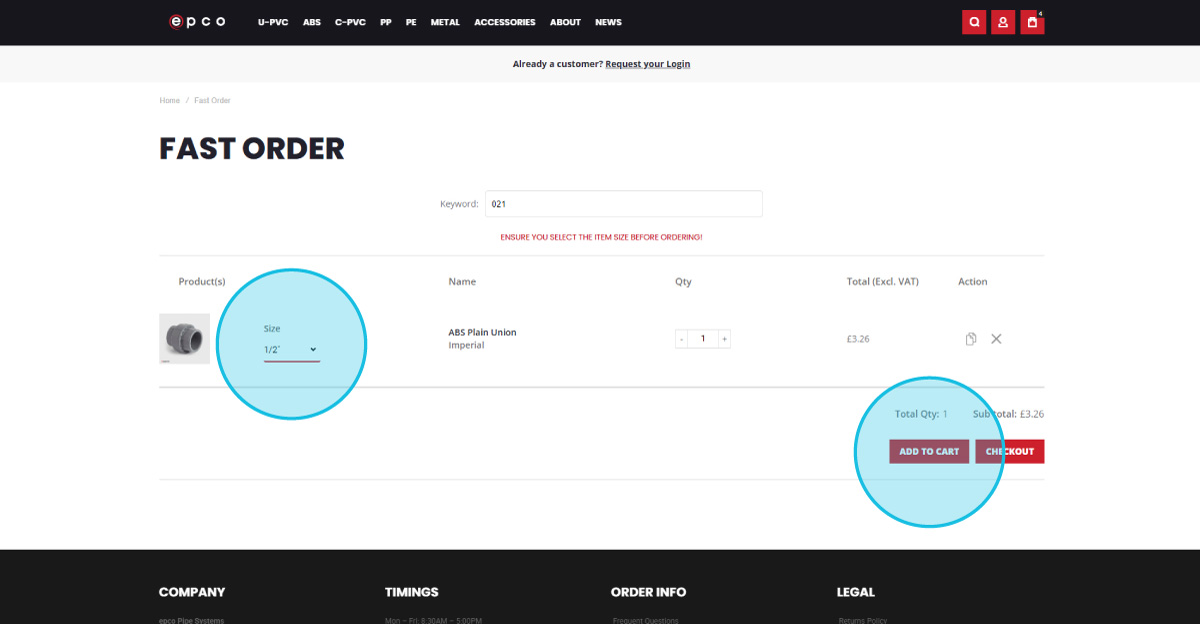
Select Size and Add to Cart
Chose the required size. Your net price (excluding VAT) will be displayed and will adjust based on quantity.
6
Complete your Fast Order
Review and proceed with your order.